24/7 Support
+389 76 456 232
Write all information, and after you have finished with this part click Procced for Result

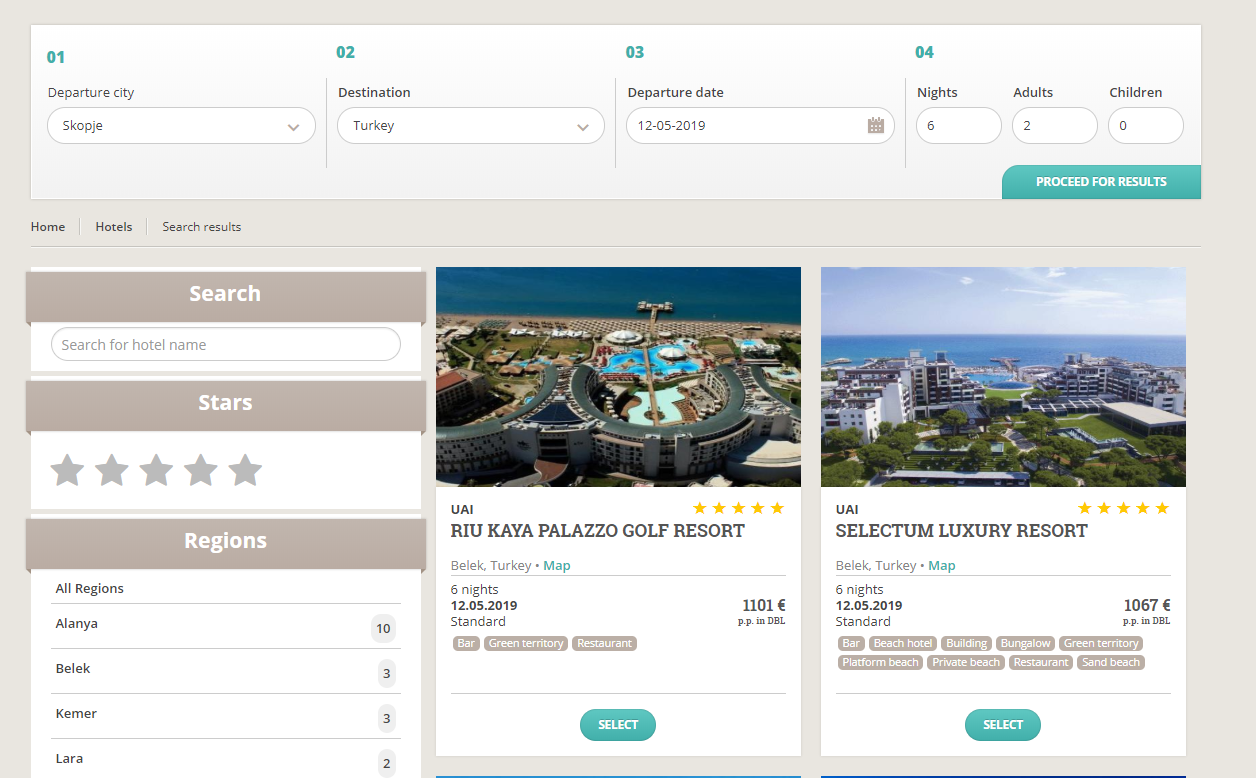
In this page are shown all hotels based on the request that you made before.In the same window the parameters can be changed, hotels can be filtered by hotel name, stars and region.
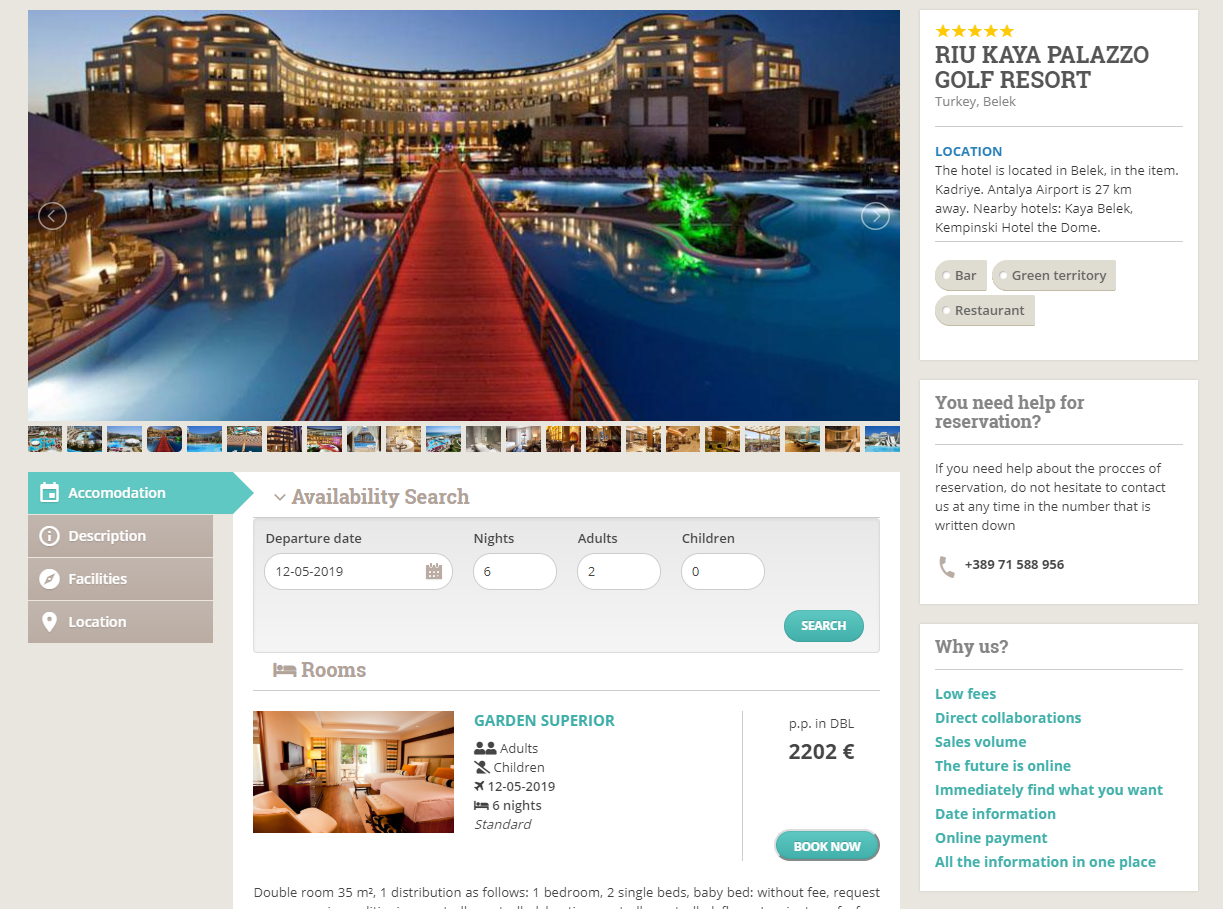
After you have select the hotel, a window with hotel information will be displayed.Slider with images, Description, Facilities, Hotel Concept, Accomodation, Location are informations that can be found in this window. In the accomodation part, there are rooms with information and price about each of the room. Button Reserve in the right part is used for continue with the reservation process.
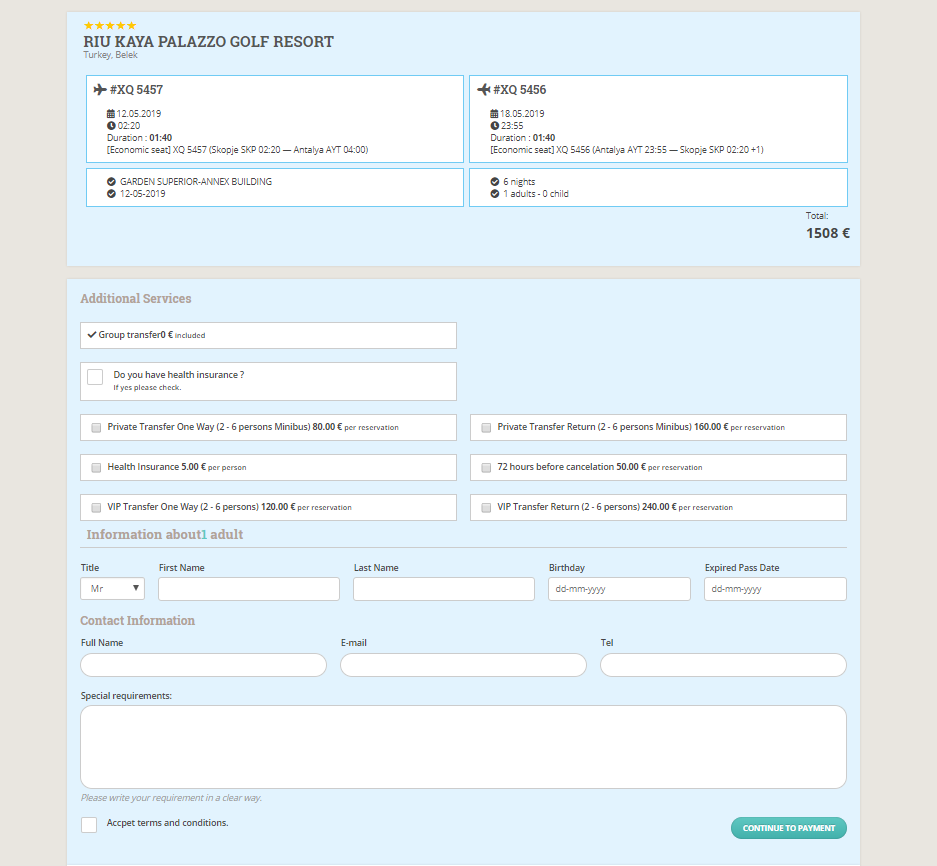
After you have select the acomodation room, you have to fill information about the passengers, contact information, and select some additional services(if you want).In the end of the form, there should be accepeted the rules and conditions after you have read them. Continue to payment
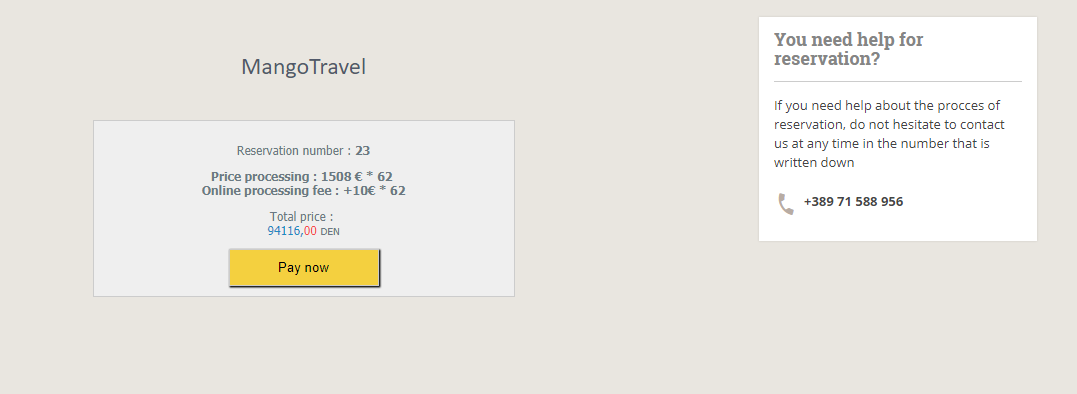
After you have filled all your inforamtion, a window for payment will be displayed. Final Price, converted in Macedonian Denar, reservation number, and some other information are information that will be processed next. Pay now is the button to continue with the payment process.
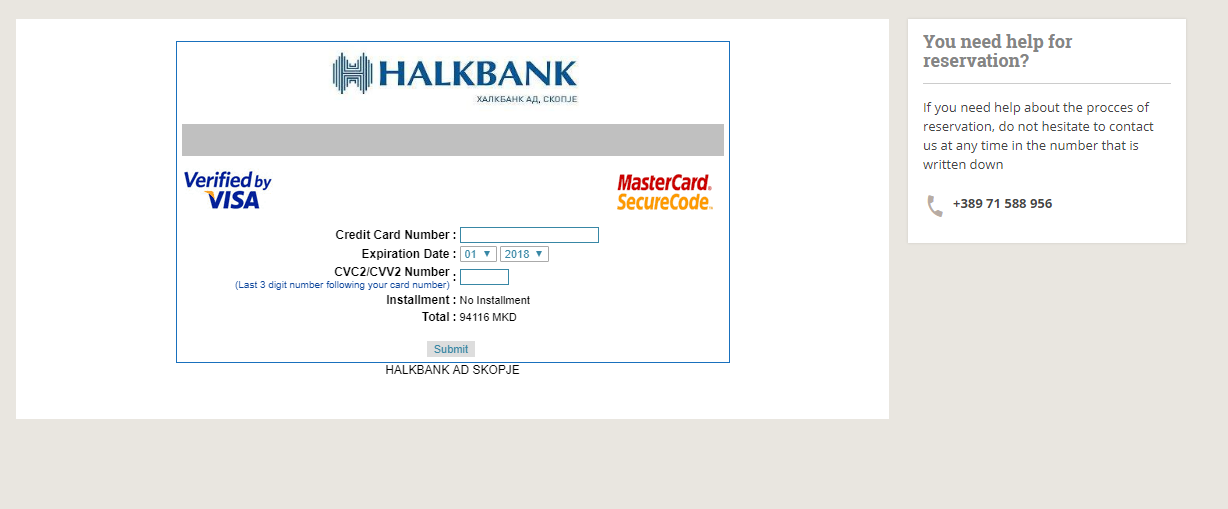
The last procedures for payment is the credit card filling information.
You will be notify if the payment is made succesfully or has been failed.
If something went differently during the process please contact us